Passing Parameter value for a rdlc report in ASP.Net and Windows Forms......

In most of the times we need to filter report data. Recently I had a requirement to create a rdlc report and add it to an ASP.Net page. In that I need to filter data using the name.

In ASP.Net and Windows forms, creating data set and reports parts are same. The different is passing the parameter value from the code.

In ASP.Net, steps used are

  • Create a Data Set by right click on the project and select Add → New Item
  • Then select Data → DataSet
  • When the DataSet is added to the solution, right click on the DataSet Designer and select Add→TableAdapter.
  • In that you need to provide the query to retrieve data and in this example I assume it as SELECT Name, Address, ContactNo FROM Users WHERE (Name LIKE @name + '%')
  • @name is the parameter which we need to pass.
  • Then add a new report and select the DataSet as the one which we created earlier.
  • Then add a ReportViewer component and select the Report as the one created earlier.
These steps are common for the Windows Forms as well. But next steps are different in ASP.Net and Windows Forms.

In ASP.Net
  • When the report is added to the report viewer, ObjectDataSource is automatically added. You need to configure it to pass the parameter.
  • Click on the arrow in the ObjectDataSource and select Configure Data Source. In the wizard you will get a step to define parameters as shown in the below figure.

  • Provide the required details as shown in the figure and click on Finish.
  • Then go to aspx.cs file and add the below code in the View button click event. Here View button is used to view the report by passing parameters. To enter parameter value a TextBox is used.

    protected void btnView_Click(object sender, EventArgs e)
        {
            string name = txtName.Text;

            ObjectDataSource1.SelectParameters["name"].DefaultValue = name;
            ObjectDataSource1.DataBind();
            this.ReportViewer1.LocalReport.Refresh();
        }

  • Then when you click the View button, the value provided in the text box is passed as the parameter value and report data is filtered for it.
In Windows Forms
  • When the report is added to the report viewer, TableAdapter is automatically added.
  • You can pass the parameter values for the table adapter. You can pass the parameter values in the View button click event as below.

    protected void btnView_Click(object sender, EventArgs e)
        {
            string name = txtName.Text;

            this.DataTable1TableAdapter.Fill(this.SampleDataSet.DataTable1, name);
            this.ReportViewer1.LocalReport.Refresh();
        }


  • When the View button is clicked, the parameter values are passed and data set is filtered according to those values.

Get Week Numbers for Quarter and Month in SQL...

I needed to get the Week Number for the Month and the Quarter for a BI Application.
I was able to retrieve it using the below query.

SELECT DATEDIFF(WEEK, DATEADD(MONTH, DATEDIFF(MONTH, 0, '2012-03-17'), 0), '2012-03-17') +1 AS WeekNoMonth,DATEDIFF(WEEK, DATEADD(QUARTER, DATEDIFF(QUARTER, 0, '2012-03-17'), 0), '2012-03-17') +1 AS WeekNoQuarter

The results are WeekNoMonth=3 and WeekNoQuarter=11

Mid function is not working in SSRS...

I tried to sub string SSRS data set field to have new calculated field. But when I see the output I did not get the desired one and original string value was there. Also I did not get any error message too.
The issue was with the Start Position. I provided the start position as 0. But the correct start position should be greater than 0. When I changed it to 1, I got the correct output. The correct formula is Mid("StringVal",1,6). It gives the first six characters of the provided string.

Error in PerformancePoint 2010...


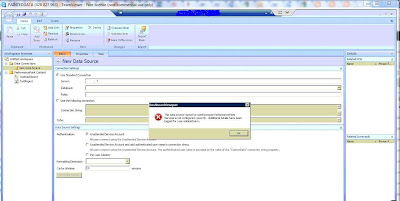
While trying to create a new data source in PerformancePoint 2010 Dashboard Designer, I got an error message as This data source cannot be used because performancepoint services is not configured correctly. The error message is shown in the below figure. I got it after providing the server and while trying to expand the available databases.


This is because that the PerformancePoint is not configured correctly. While configuring PerformancePoint, we need to configure Unattended Service Account. The error occurred due to that account is not configured correctly.
To fix that issue we need to re-configure that unattended service account correctly.
To configure unattended service account, you need a Secure Store Service Key.

Steps to fix the above issue are
  • To generate a secure store service key, go to SharePoint 2010 Central Administration →Application Management → Manage Service Applications → Secure Store Service
  • Then click on Generate New Key
  • Once that is done go to the SharePoint 2010 Central Administration → Application Management → Manage Service Applications → PerformancePoint Service Application
  • Then select Performance Point Service Application Settings
  • In the Unattended Service Account section, enter the user name and password for the account that you want to use as the unattended service account. This is the account that PerformancePoint Service will use to connect to the data source unless you use Per User Identity.
  • Click Ok and if the provided account details are correct, it will be successful.
  • Then go to the Dashboard Designer and try to create the data source again and you will not get that error message.


An error occurred during local report processing...

I modified an existing report by deleting some dataset  fields and adding new ones. Then in the report I removed the deleted fields from each reference and added the required new ones. But when I tried to preview the report, I got the report processing error as
The Hidden expression for the grouping "Group1"  refers to the field "Field1". Report item expressions can only refer to the fields within the current data scope or, if inside an aggregate, the specified dataset scope...

I checked the report and already the reference for Filed1 is deleted from all the locations. But finally I was able find the reason. Error was in the Static Hidden Groups.
In some of the those hidden static groups, Field1 is used. To view those groups, select the Tablix and click on the Down arrow in the bottom right hand corner as shown in the below figure and select Advanced Mode.


Then you will those Static groups as in the above image. In that check the relevant static groups for the group mentioned in the error message. You will be able to find that the Field1 is still used in that group. Remove or change Field1 from that and try to preview the report. If no other static groups use any of the deleted fields, you will be able to view the report successfully.

[Connection manager "Excel Connection Manager"] Error: The requested OLE DB provider Microsoft.ACE.OLEDB.12.0 is not registered...

While trying to execute a package in 64 bit SSIS, I got the below error
[Connection manager "Excel Connection Manager"] Error: The requested OLE DB provider Microsoft.ACE.OLEDB.12.0 is not registered. If the 64-bit driver is not installed, run the package in 32-bit mode. Error code: 0x00000000.An OLE DB record is available. Source: "Microsoft OLE DB Service Components" Hresult: 0x80040154 Description: "Class not registered".

To fix it just right click on the SSIS project in the solution explorer and click Properties. Then click on the Debugging of the Configuration Properties. You will find Run64BitRuntime under Debug Options. Set it to False and execute the package. You will not get the above error anymore. 

SSIS Toolbox in SQL 2012...

When we open a Integration Service Project created using SQL 2008, all the required components are available in the Toolbox tab. I tried to upgrade this SSIS package to use the SQL 2012 environment. Upgrading process was successfully completed and I was able to open the package. But the Toolbox tab is empty and could not find any component as in the BIDS 2008. Those components are in the SSIS Toolbox tab. Click SSIS -> SSIS Toolbox to view it.

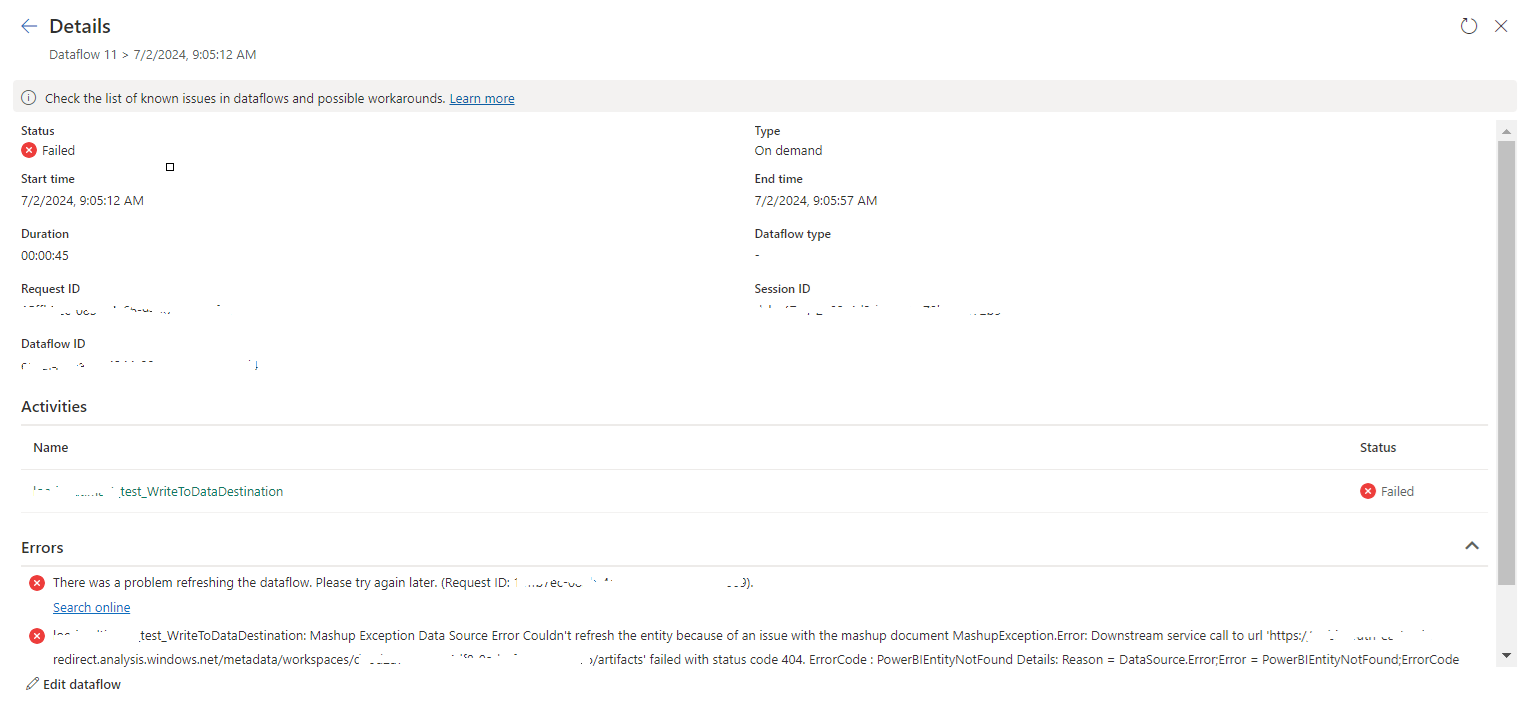
tablename_WriteToDataDestination: Mashup Exception Data Source Error Couldn't refresh the entity...

 Once a Dataflow is created and published on Fabric, got the below error while refreshing the Dataflow. tablename_ WriteToDataDestination: M...